Easy to use
A clear interface designed for simple, everyday operation.

Shop pay makes product importing, shipping, financial operations, and team management easier through a clear, structured interface designed for everyday work.
 Easy to use
Structured management
Built for multiple workflows
Easy to use
Structured management
Built for multiple workflows
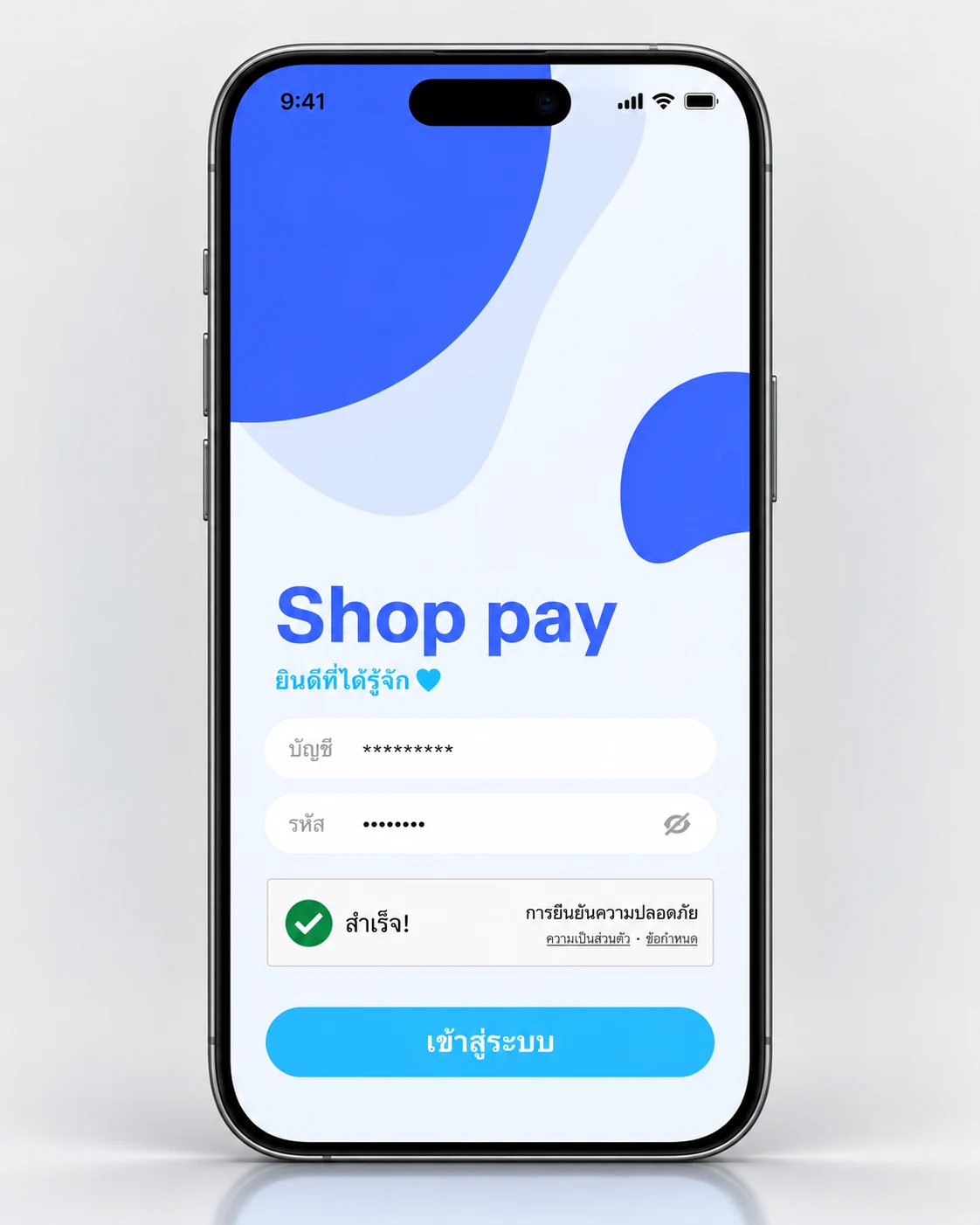

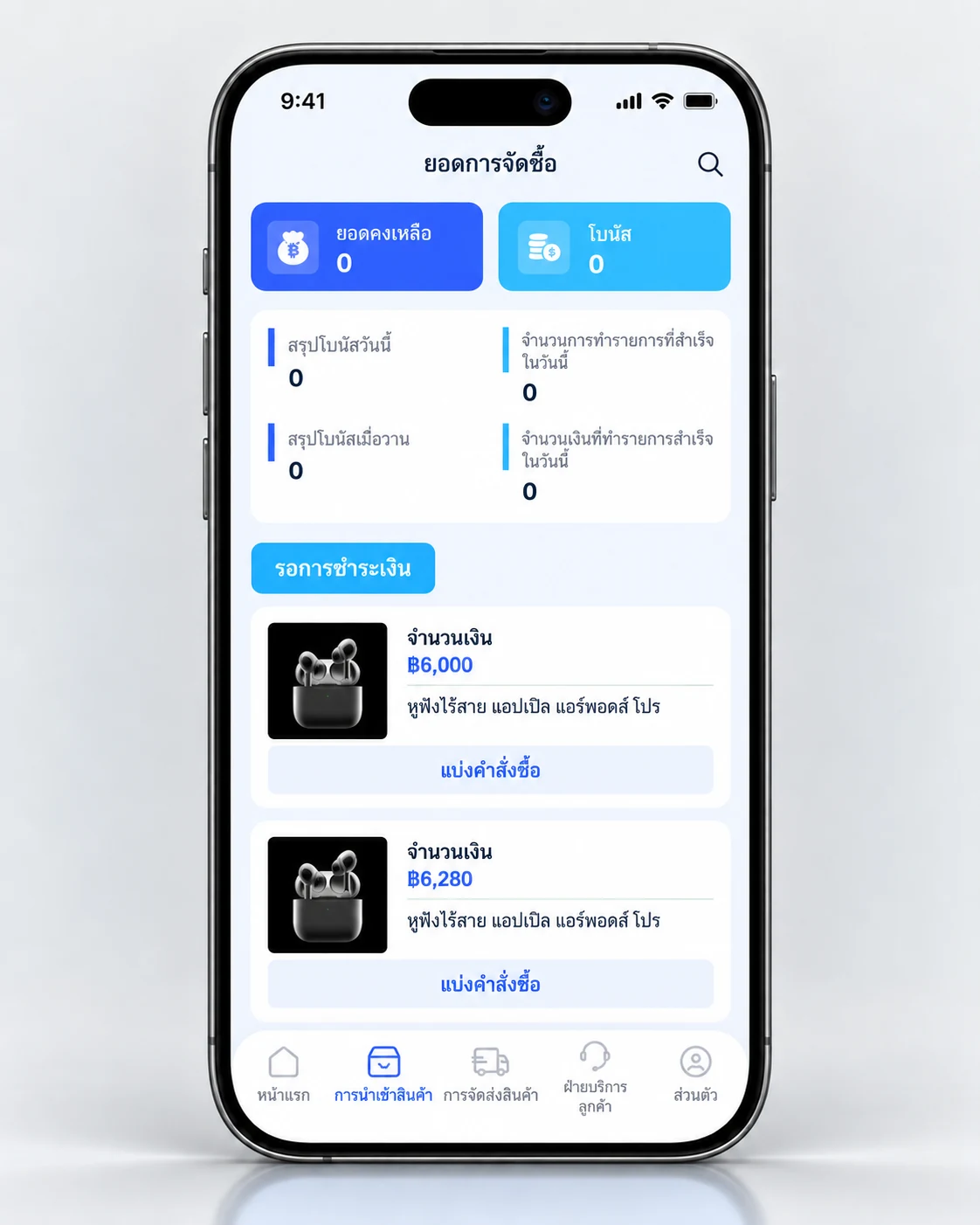
A clear interface designed for simple, everyday operation.
Keep essential workflows in one place and reduce unnecessary complexity.
Access key information and core menus quickly to keep work moving.
Contact the team directly through Telegram from the website.
Essential app functions are brought together in one system for faster access to frequently used tasks.
View and manage product import workflows in a structured way.
Track shipping information and work status from one screen.
Access the top-up menu quickly from the main dashboard.
Manage withdrawal requests through a clear, dedicated menu.
Review financial transaction menus from one place.
Stay updated with announcements and information related to platform use.
Access check-in activities and activity lists directly from the home screen.
Review team reports, member lists, and personal information in an organized view.
Real Shop pay screens presented on modern smartphone mockups so the workflow is easier to understand at a glance.
Start with a clean, organized login experience.
Access key functions quickly from one central dashboard.
View relevant entries and amounts in a clear layout.
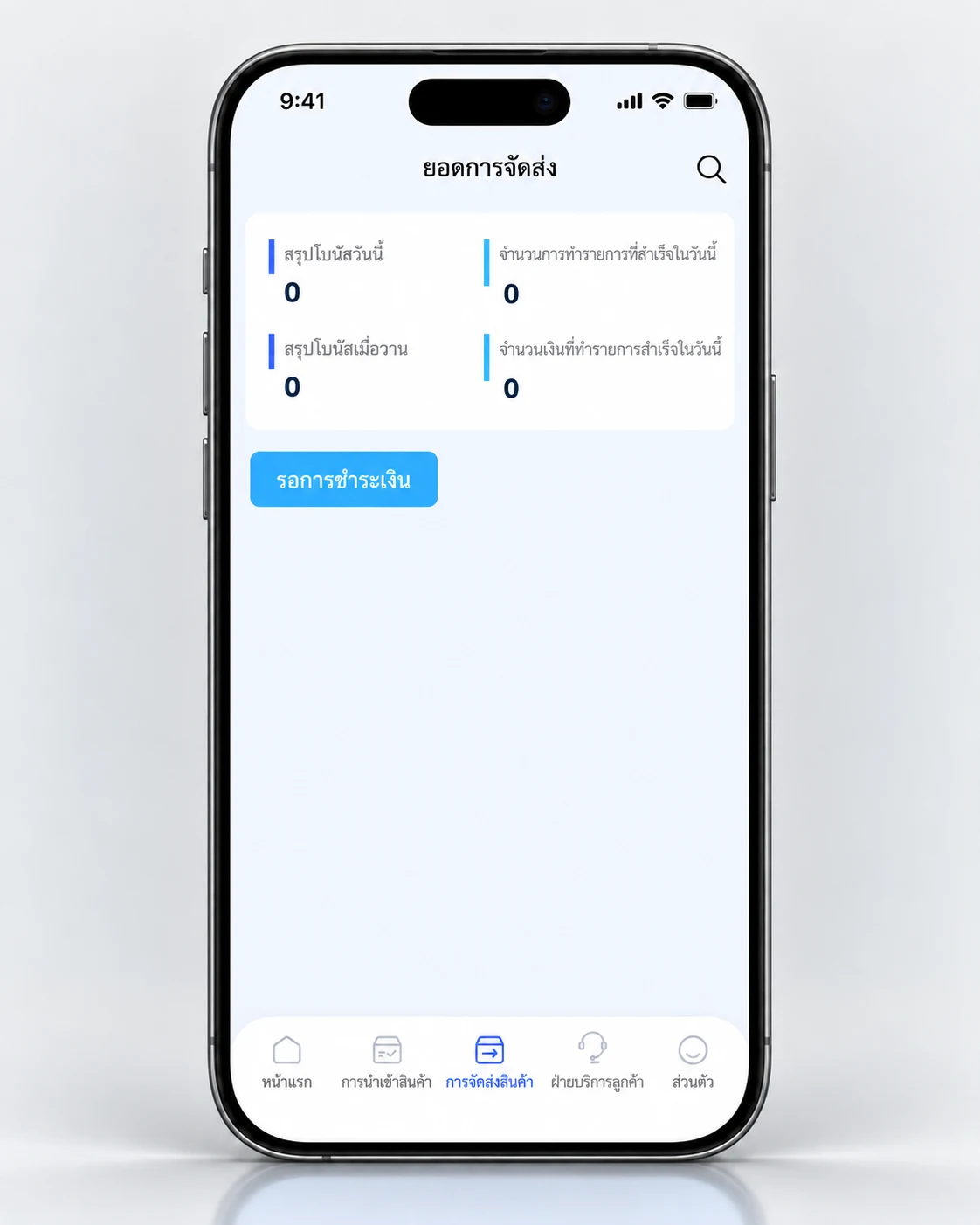
Review shipping summaries and work status in an easy-to-read format.
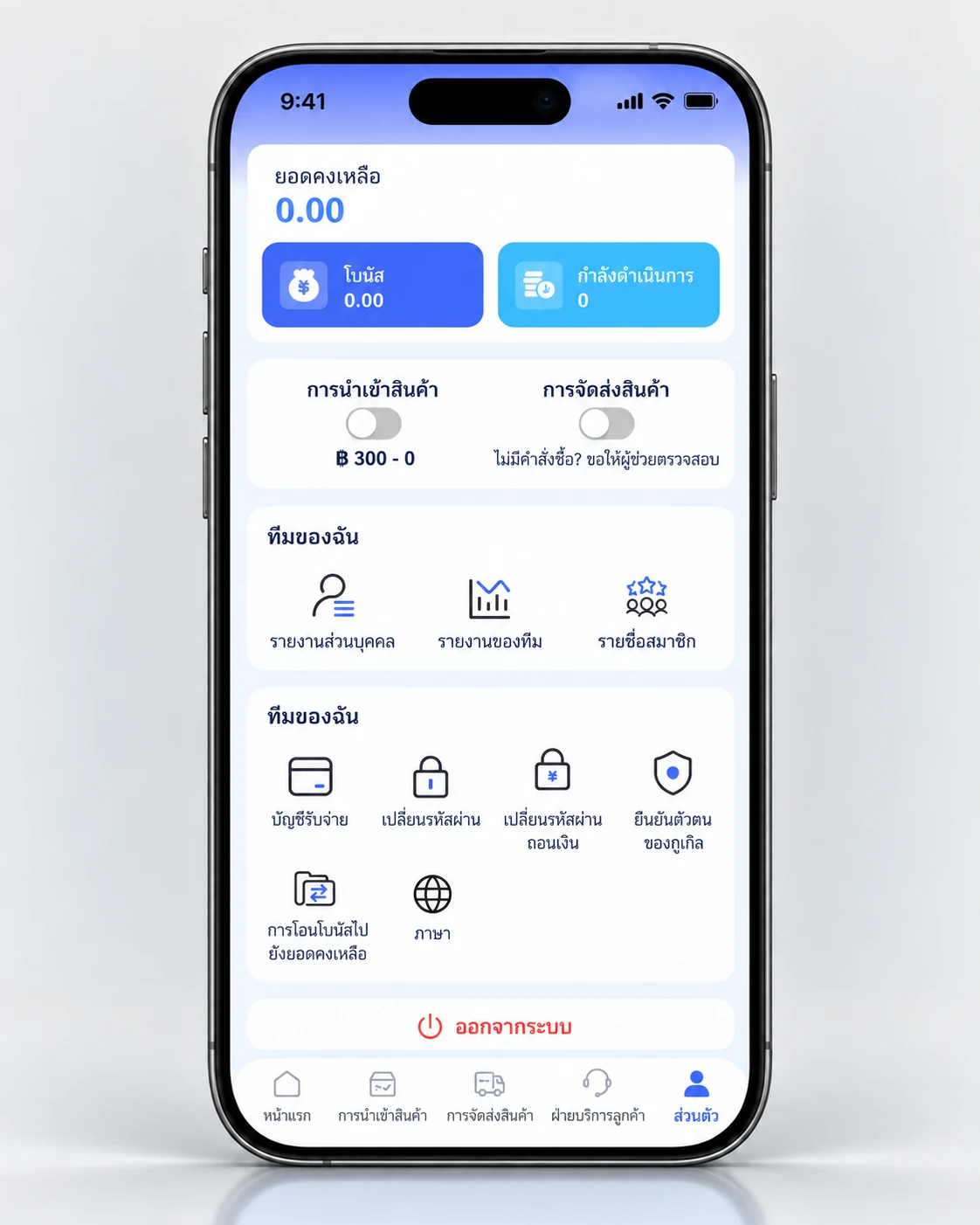
Keep account, team, and related settings together in one place.
A simple step-by-step flow helps you begin using Shop pay with confidence.
Open the login page and enter your account information.
Check your balance, main menus, and account-related information.
Choose product importing, shipping, or financial functions based on what you need to do.
Review activity and team information from the relevant screens.
For more information, contact the team directly through Telegram.
This website supports desktop, tablet, and mobile devices. To access the platform, use the login link provided on the website.
This website introduces Shop pay services and provides access to the platform. It focuses on core functions and ways to contact the support team.
Use the “Contact via Telegram” button in the top navigation, the main hero section, or the contact section at the bottom of the website.
Choose the option you need and continue directly from this website.


